
How to Export: Articles, Short Stories, and Ideas
Before exporting, it's important to understand that Shaxpir has two different export workflows:
-
Individual Content Items (this article) - Export a single article, short story, idea, or individual chapter/notebook page. We'll explain this below.
-
Entire Books - Export a complete book project including all chapters and notebook pages (see the How to Export: Books guide)
This guide covers exporting individual content items.
How to Export an Individual Item
While viewing any content item in the Shaxpir editor, click the Export button on the left-hand side of the content item.
This button will exist on any individual content item, whether it’s a standalone article or short story, or a chapter in the manuscript of a book, or a page from your book’s worldbuilding notebook.
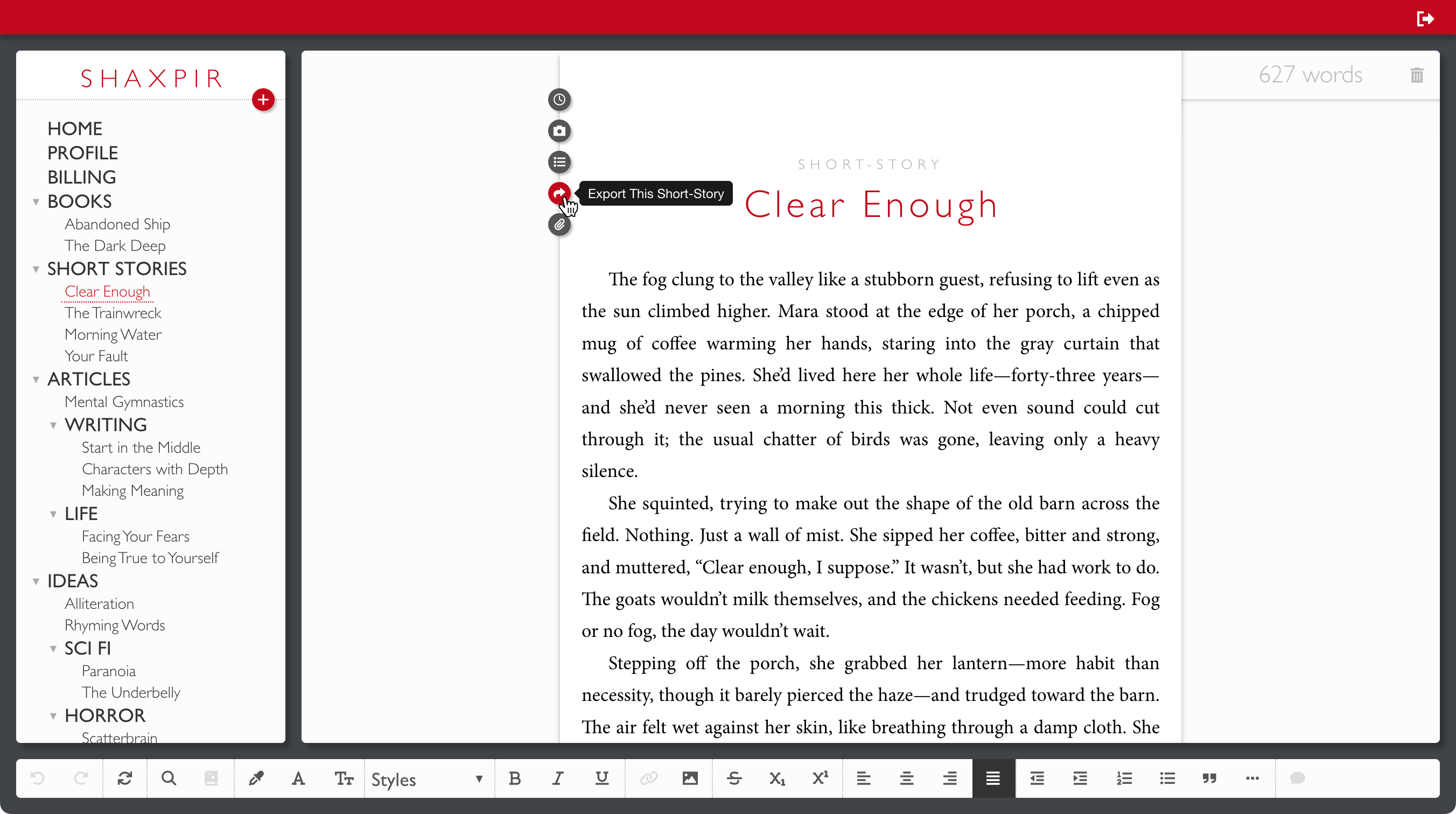
Tapping this button will open an Export Dialog where you can choose your preferred format:
- HTML - Single webpage file
- EPUB - E-book format for e-readers
- DOCX - Microsoft Word document
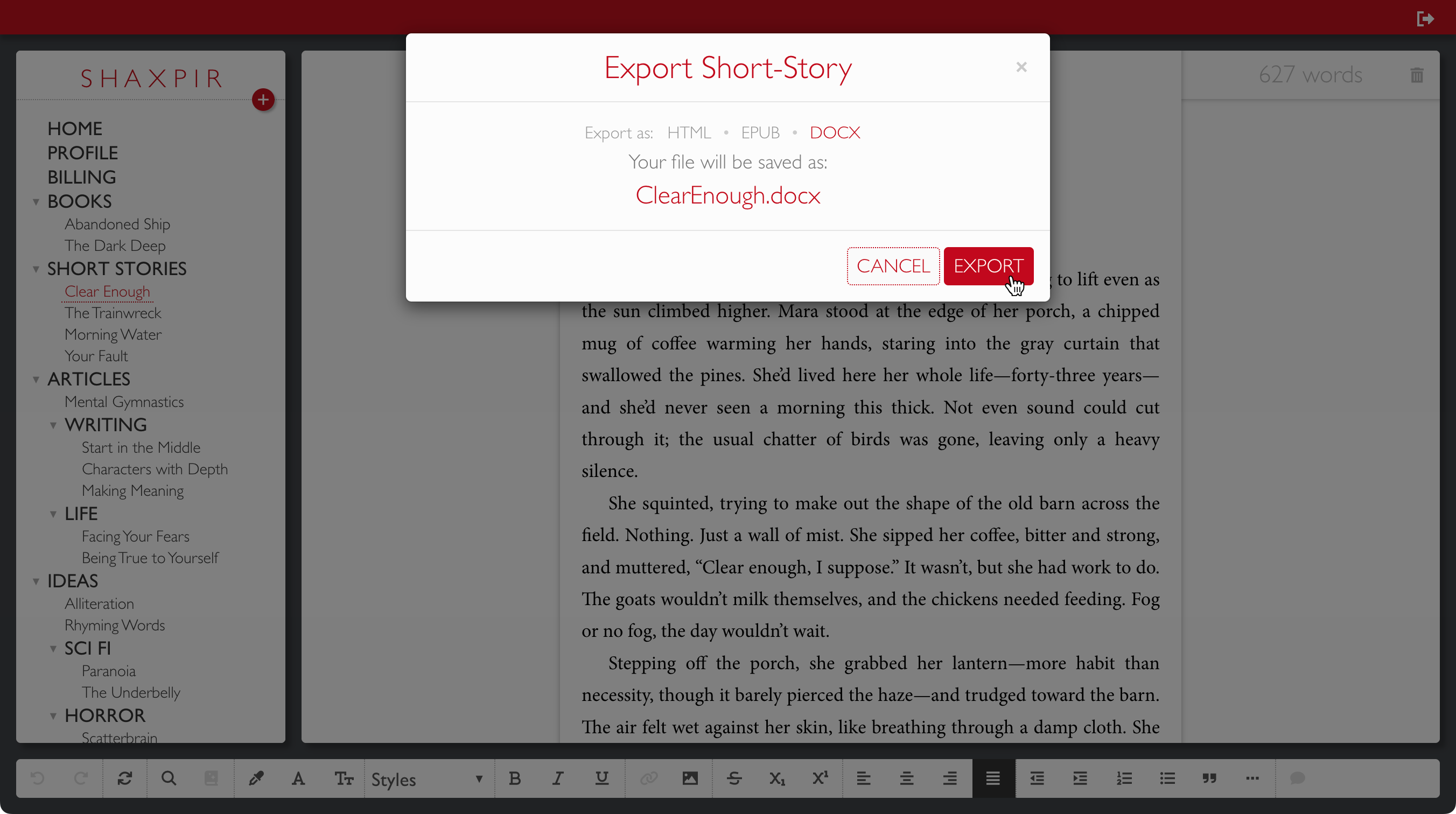
Select your format and click the EXPORT button. If you’re using the web app version of Shaxpir in your browser, the file will be downloaded to your Downloads folder. If you’re on the desktop version of Shaxpir, the file will be saved to your Desktop folder.
What's included in the export file?
The export file will include the title and all the body text, as well as any images embedded in the body text.
The export does not include concept artwork, shown in the left-margin of the content, comments shown in the right-margin of the content, or connection-links between content items.
Need help with your export?
If you have trouble with the export process, or if you have any other questions, please contact us at support@shaxpir.com